Instant preview & testing
On top of its integrated editors (scripts, flows, apps), Windmill allows users to see and test what they are building directly from the editor, even before deployment.
Instant preview in Script editor
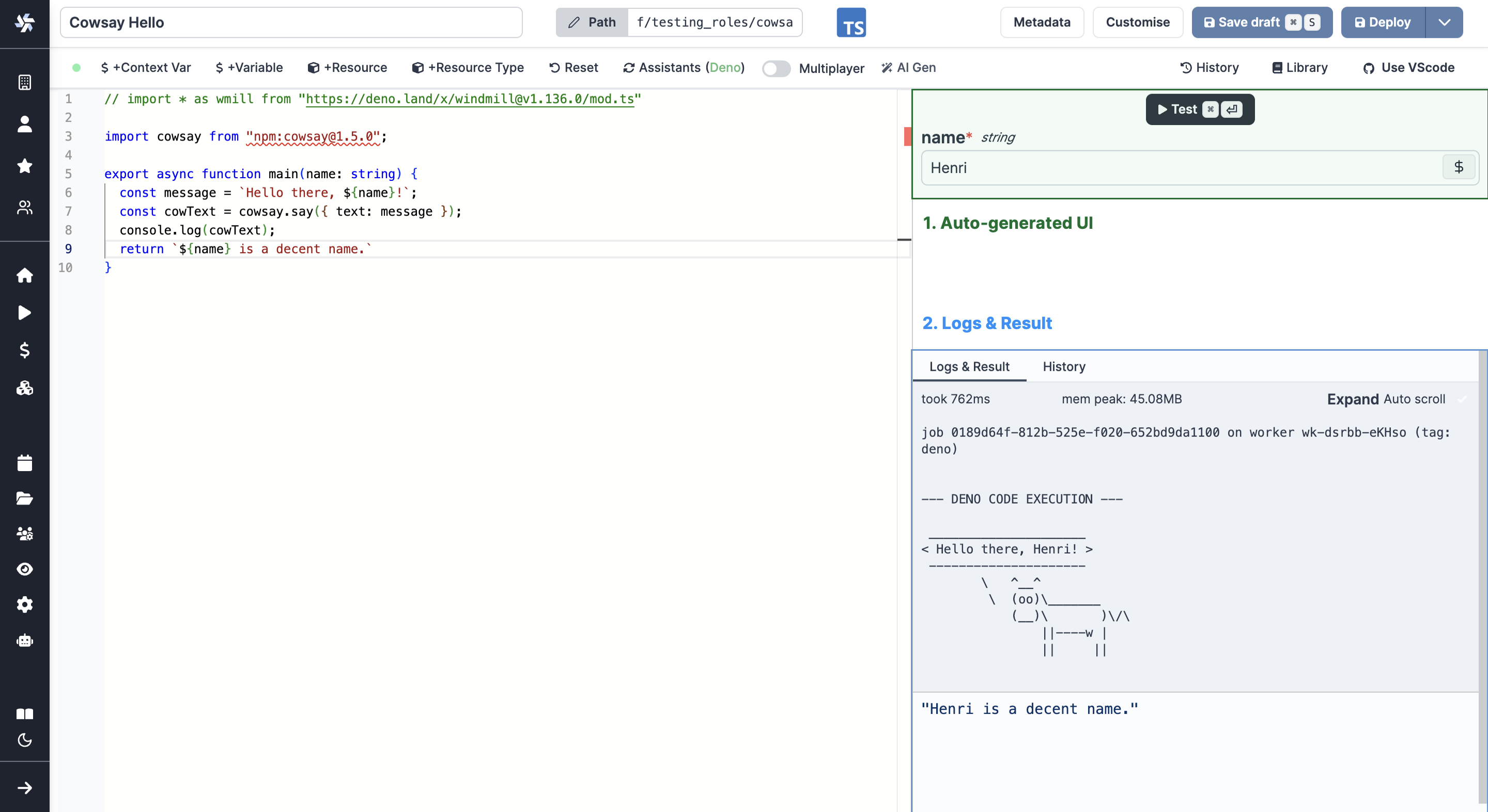
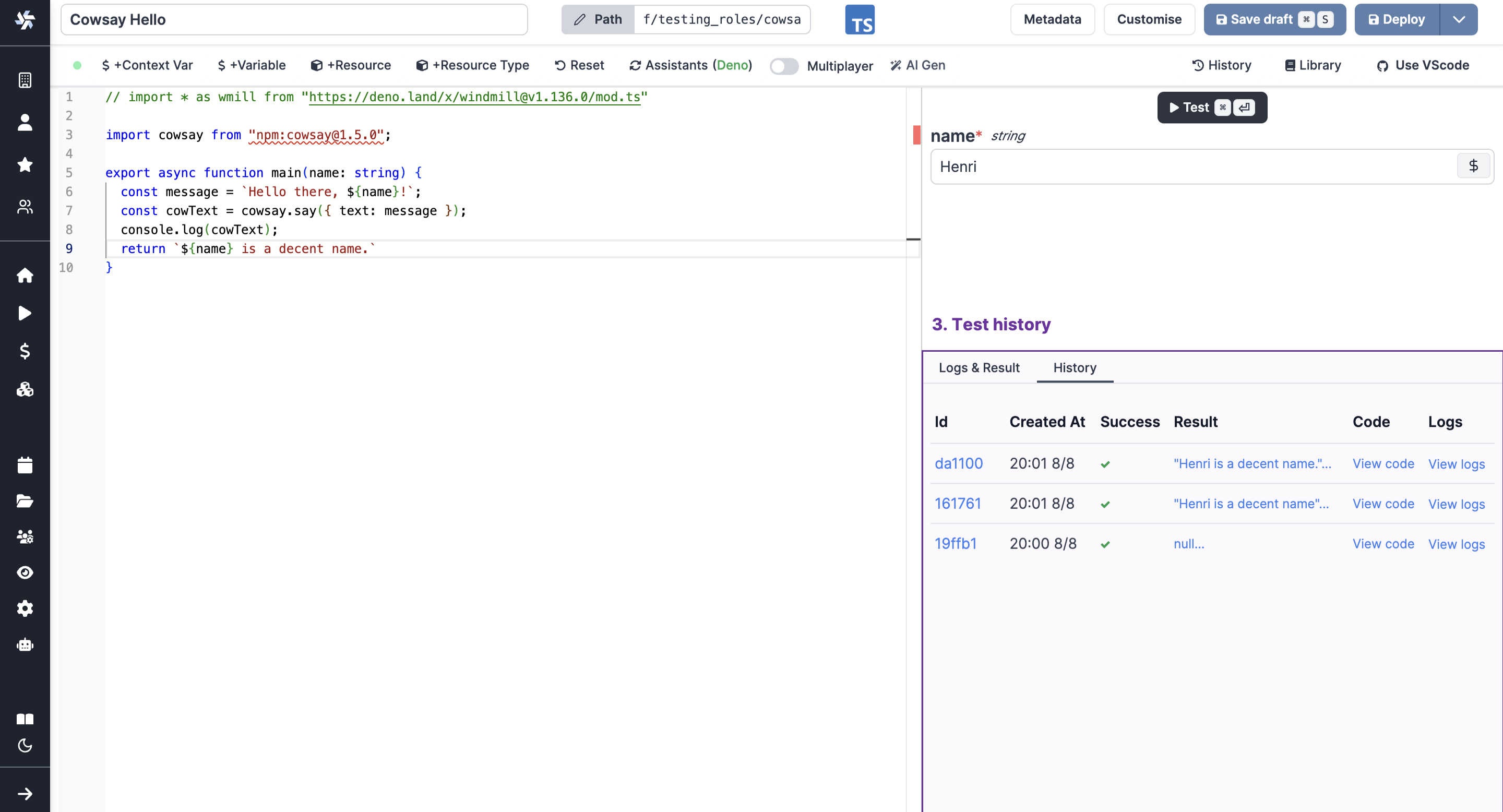
The right margin of the script editor displays:
- The inputs of the main function, which are parsed to create an auto-generated UI.
- The logs and results of the last execution.
- The history of the latest runs via the editor.
VS Code extension
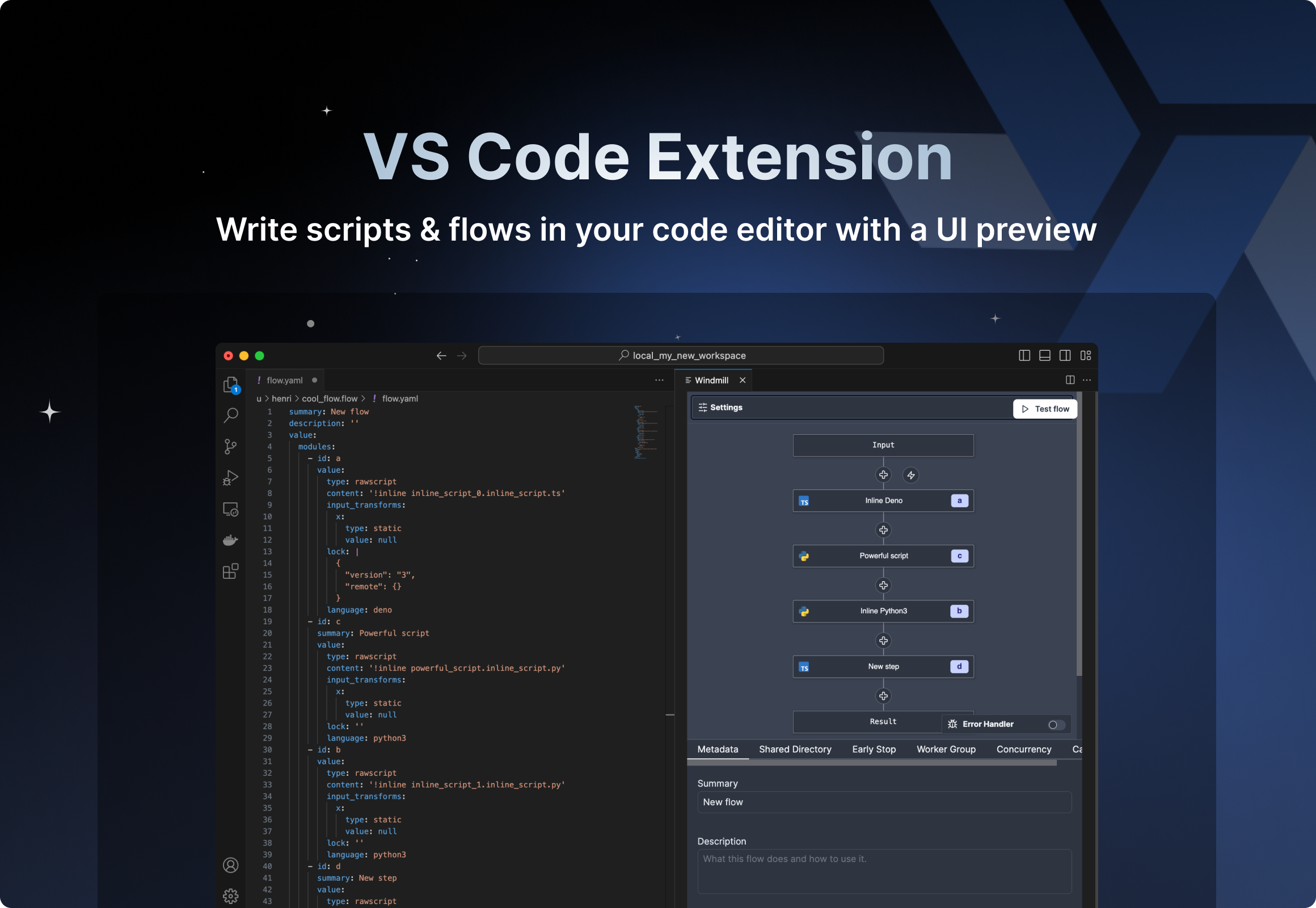
For users on VS Code extension, you can also preview instantly and test with the Windmill: Run preview command.
Instant preview in Flow editor
The flow editor has several methods of previewing results instantly.
Testing the flow or certain steps is often required to have the outputs of previous steps suggested as input for another step:
Test flow
While editing the flow, you can run the whole flow as a test.
Click on Test flow. This will open a drawer with the flow's inputs and its status.
Upon execution, you can graphically preview (as a directed acyclic graph) the execution of the flow & the results & logs of each step.
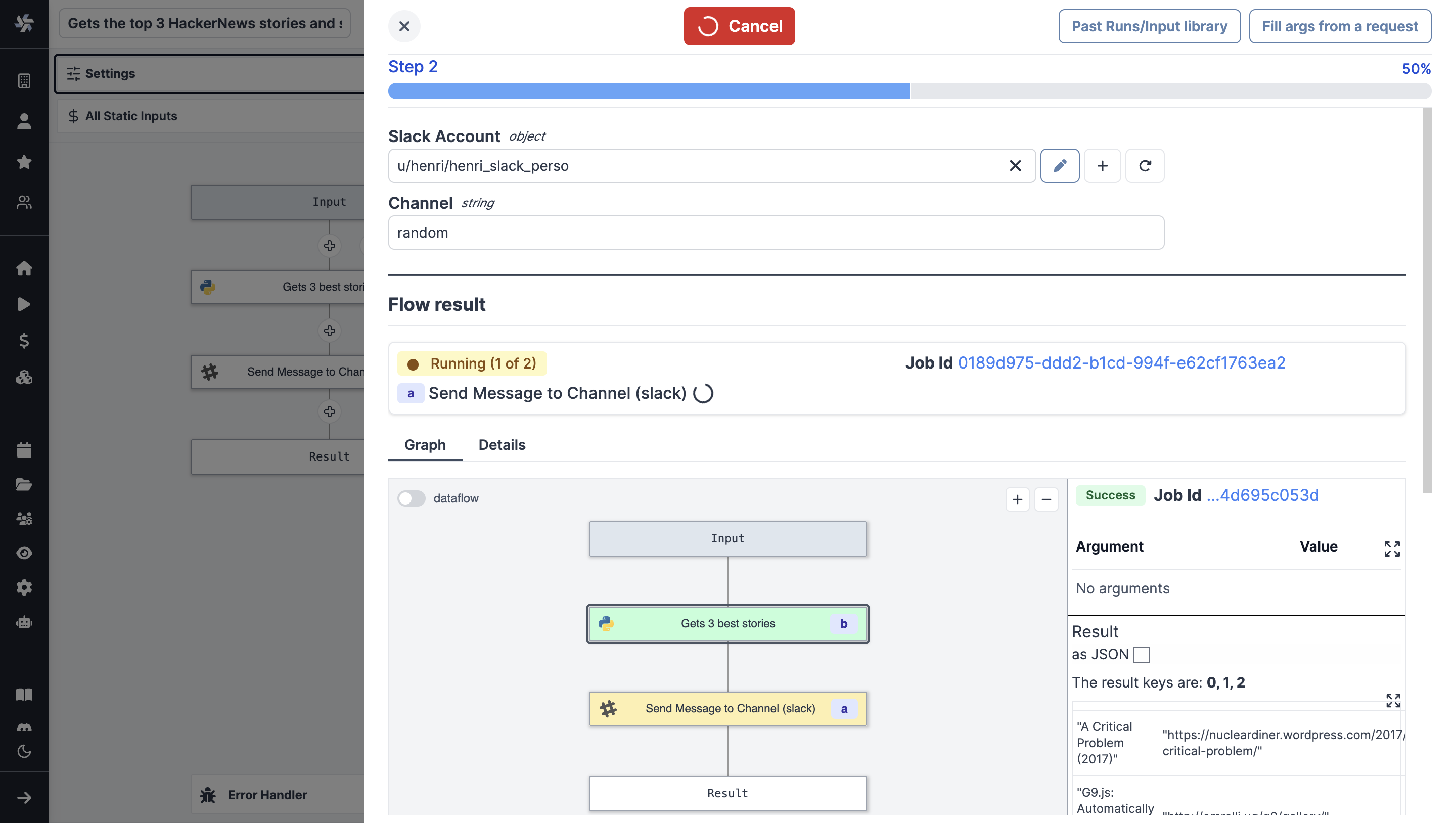
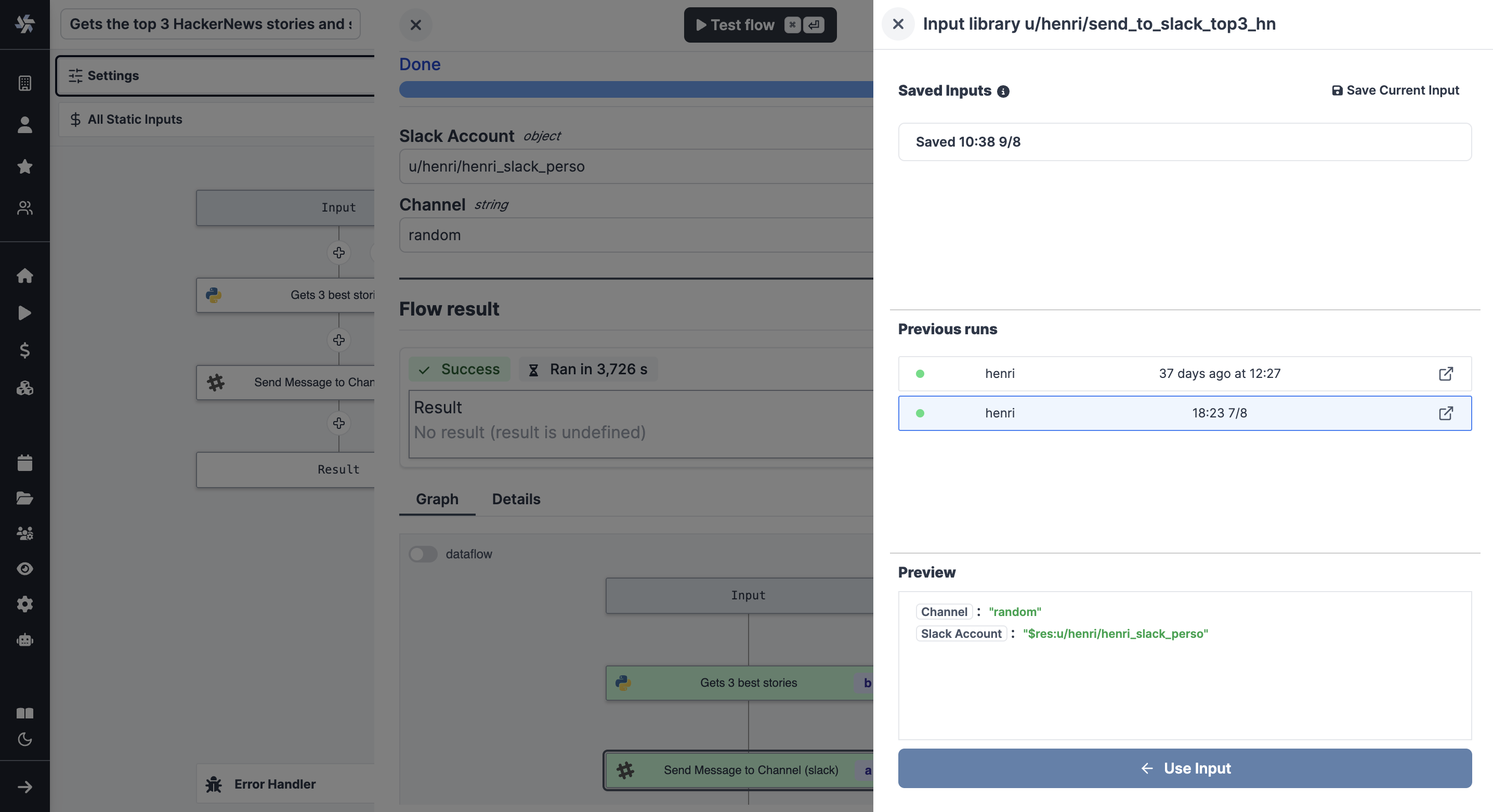
From the menu, you can also access past runs & saved inputs.
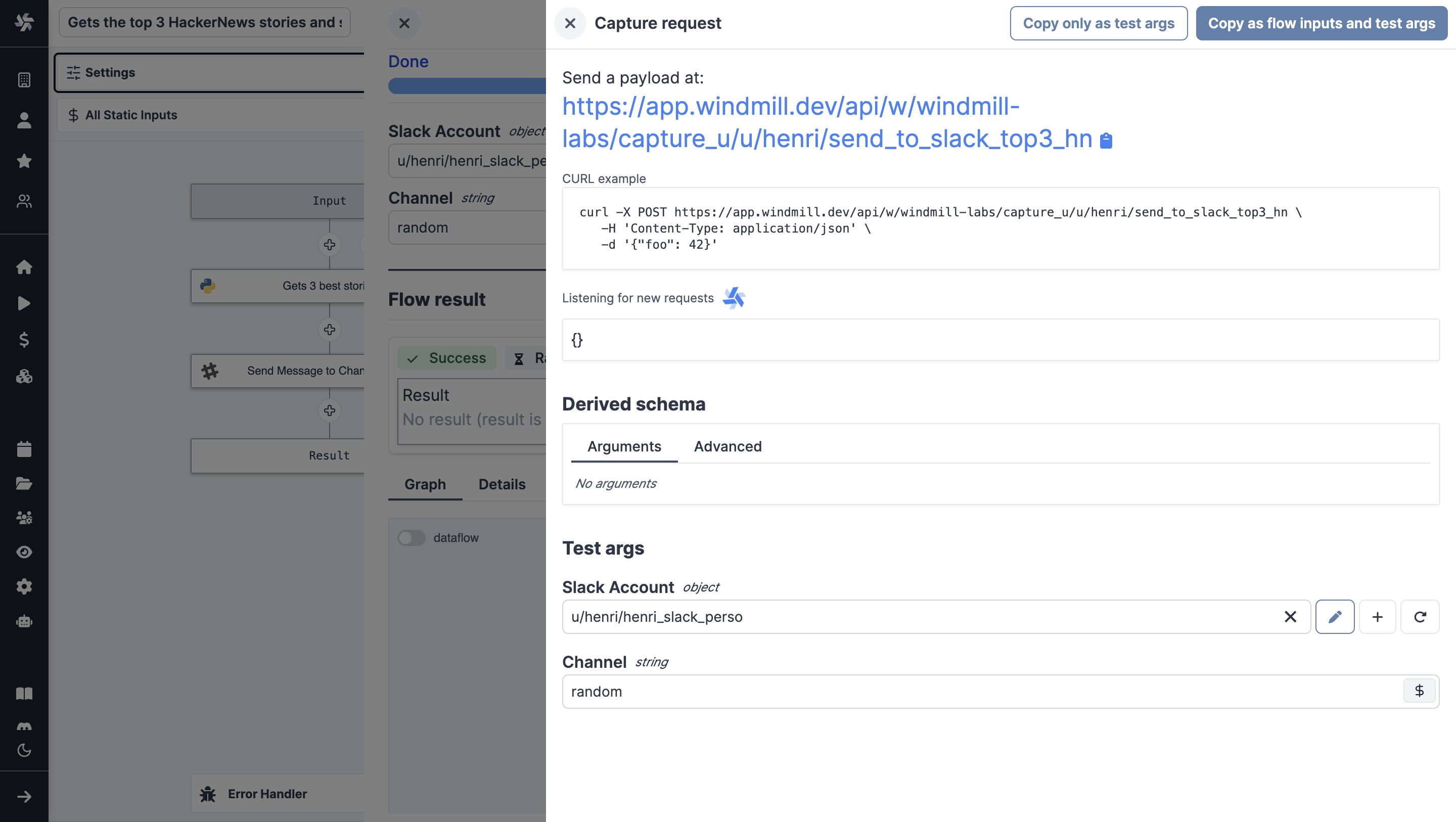
At last, you can fill arguments from a request.
Test up to step
As for Test flow, you will get the same components (Flow inputs, status, input library etc.), only the flow will execute until a given step, included.
Test an iteration
For loops and While loops can be tested for a specific iteration.
Restart from step, iteration or branch
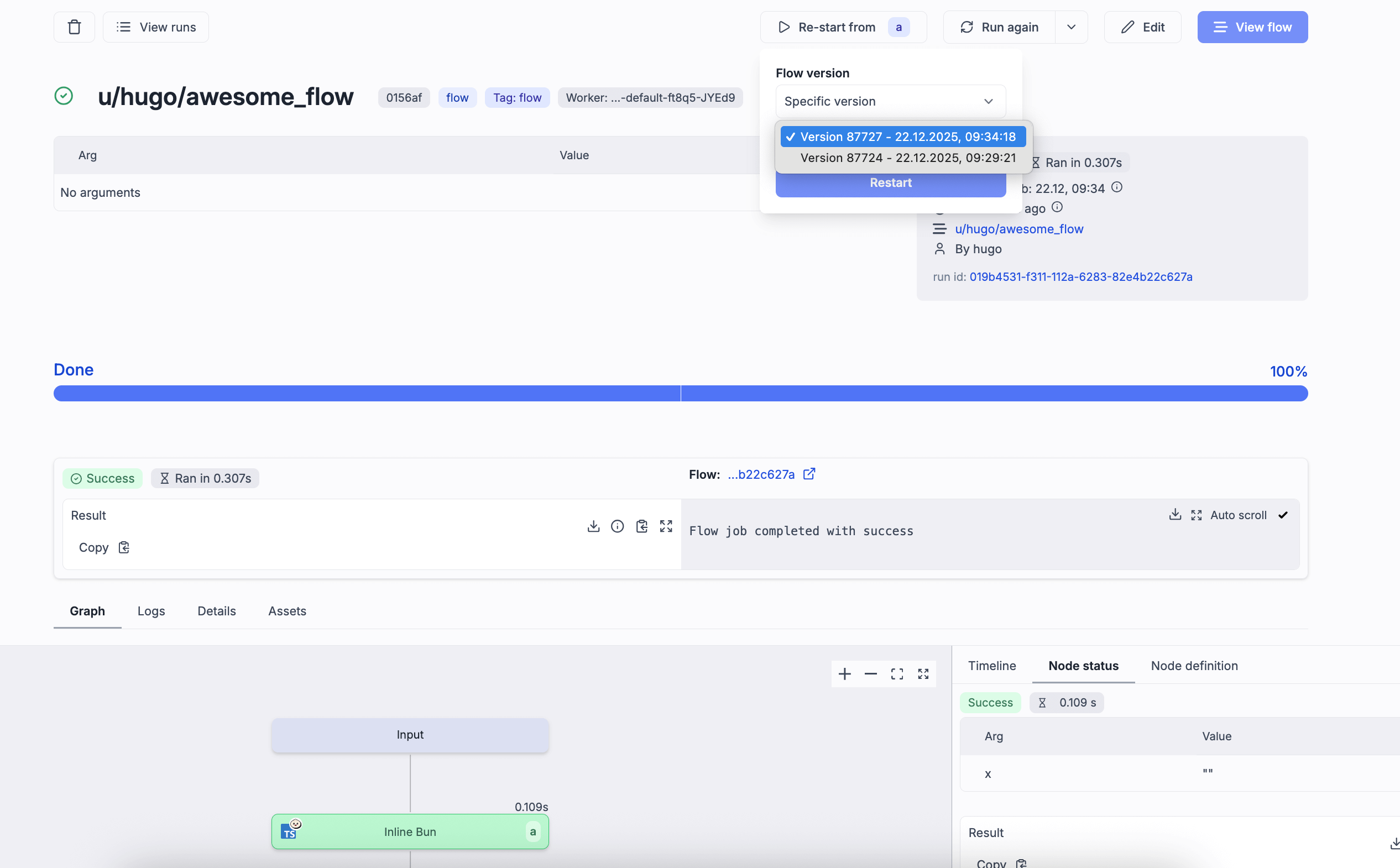
Restart a flow at any given top level step. For-loop and branch-all can be restarted at a specific iteration/branch. In the flow preview page, just select a top level node and a "Re-start from X" button will appear at the top, next to "Test flow".
To see how it works, see our dedicated blog post.
Under Cloud plans and Self-Hosted Enterprise edition, this feature is also available for deployed flows. When restarting a deployed flow, you can select a different flow version, and previous steps with matching step IDs will be reused from the original run.
Test this step
Test this step is a way to test a single step of the flow. It comes useful to check your code or to have the results of your current steps suggested as inputs for further steps.
The arguments are pre-filled from the step inputs (if the arguments use results from previous steps, they will be used if those were tested before), but you can change them manually.
Instant preview in App editor
The app editor has several methods of previewing results instantly.
Run manually a runnable
When on a runnable from the runnable panel, you can manually run it.
Run all
On the top bar of the app, you can either manually run all runnables of set a given run frequency.
Preview
The preview mode of the app will run all runnables before previewing them.